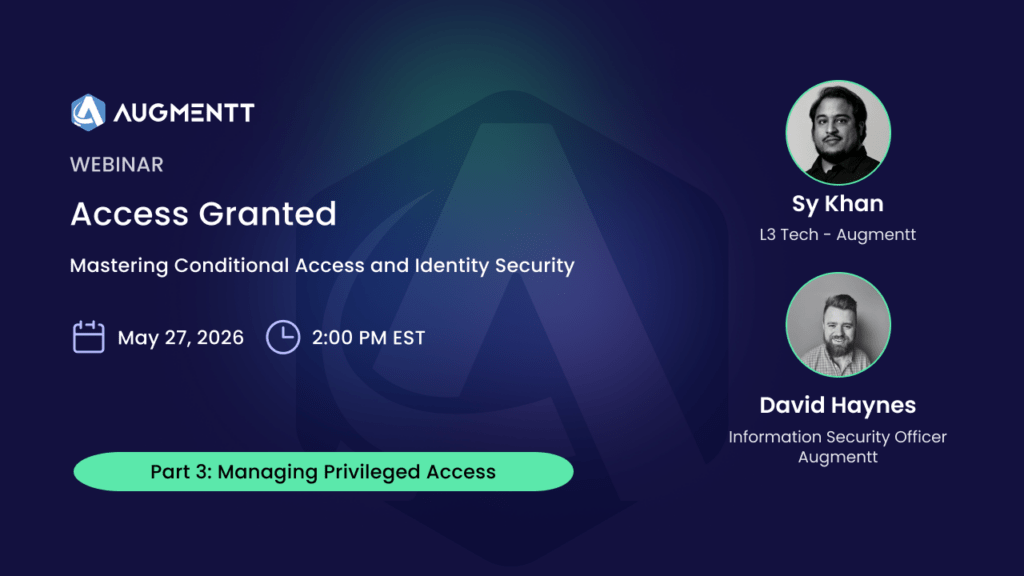

Static policies aren’t enough anymore.
P1 got your conditional access off the ground. P2 is where it starts thinking for itself — adapting to risk signals in real time, catching the sign-ins that look fine on paper but feel wrong in the data.
In Part 3 of the Access Granted series, we’re going deep on what Microsoft Entra ID P2 actually unlocks, when it’s worth the spend, and how to layer it with Intune for a conditional access stack that holds up.
What you’ll walk away with
- How Microsoft scores risk — and why alerts sometimes show up hours later
- The P2 features that matter most for MSPs and their customers
- A clearer picture of which licenses include P2, and why the math has shifted
- The 30 free E5 licenses sitting in your Partner Center (and why you should be using them)
- How to layer P2 with Intune device compliance for policies that actually hold