Solve MFA Problems Across All Clients with Augmentt

Tired of chasing MFA across every Microsoft 365 tenant?
MSPs know how important MFA is, but enforcing it consistently across multiple clients is messy, manual, and often incomplete.
That’s where Augmentt comes in.

Augmentt gives you a purpose-built platform to gain visibility, enforce policies, and report on MFA usage at scale across every Microsoft 365 tenant. 
Why MFA Management Is Broken for MSPs

Even though MFA is a basic security requirement, most MSPs are still struggling to manage it efficiently and securely across Microsoft 365 environments. Here’s what we hear from the field every day:
No Central View
You’re forced to log into each tenant separately just to check who has MFA enabled.
Legacy MFA Is Still Everywhere
Many users still rely on deprecated methods, like per-user MFA or SMS, even as Microsoft moves to phase them out.
Conditional Access Is Inconsistent
Powerful? Yes. Easy to manage across tenants? Not even close.
No Alerts for Drift or Changes
If someone disables MFA, or bypasses a policy, you probably won’t know until it’s too late.
Clients Expect Proof and Protection
You can’t easily provide reports or show Secure Score improvements to back up your work.
These aren’t theoretical problems. They’re holding MSPs back from delivering the security their clients expect, and from scaling efficiently.

How Augmentt Solves the MFA Problem for MSPs

Augmentt makes MFA management multi-tenant, reportable, enforceable, and secure without adding work for your team. Each of the problems above is solved directly with Augmentt’s platform. Here’s how:
Unified MFA Visibility Across Every Tenant
Problem: No easy way to see who has MFA enabled, or what method they’re using.
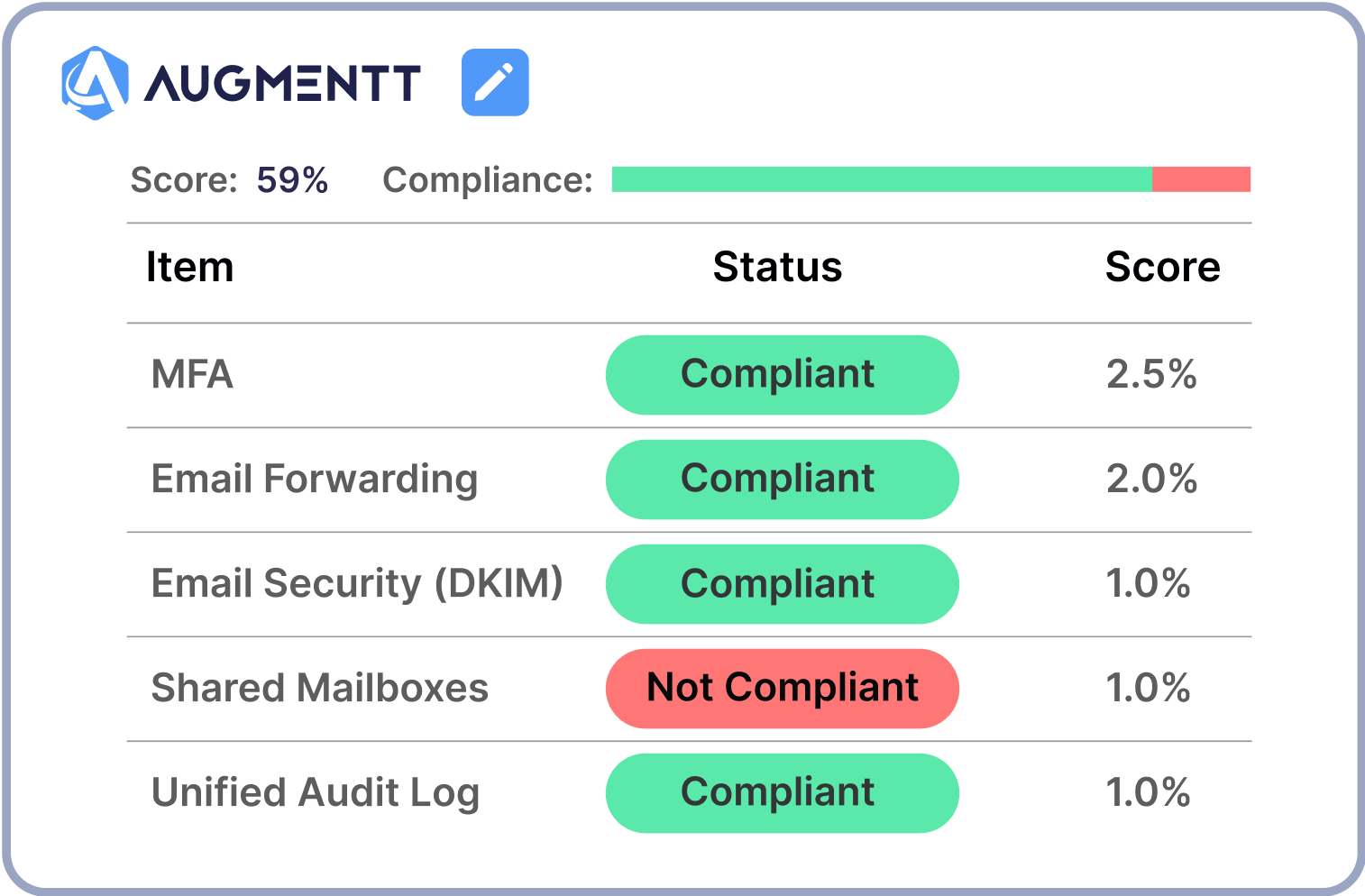
Solution: Augmentt provides a single, centralized dashboard that shows MFA status across all tenants and users, broken down by secure vs. insecure methods, and modern vs. legacy configurations.

1

Identify and Eliminate Legacy MFA
Problem: Microsoft is ending support for per-user MFA in 2025, and your clients aren’t ready.
Solution: Augmentt helps you identify where legacy MFA is still in use, so you can phase it out and move users to modern, Conditional Access-based MFA before it becomes an emergency.

2

Standardize and Enforce MFA Policies at Scale
Problem: Managing Conditional Access policies manually is time-consuming and error-prone.
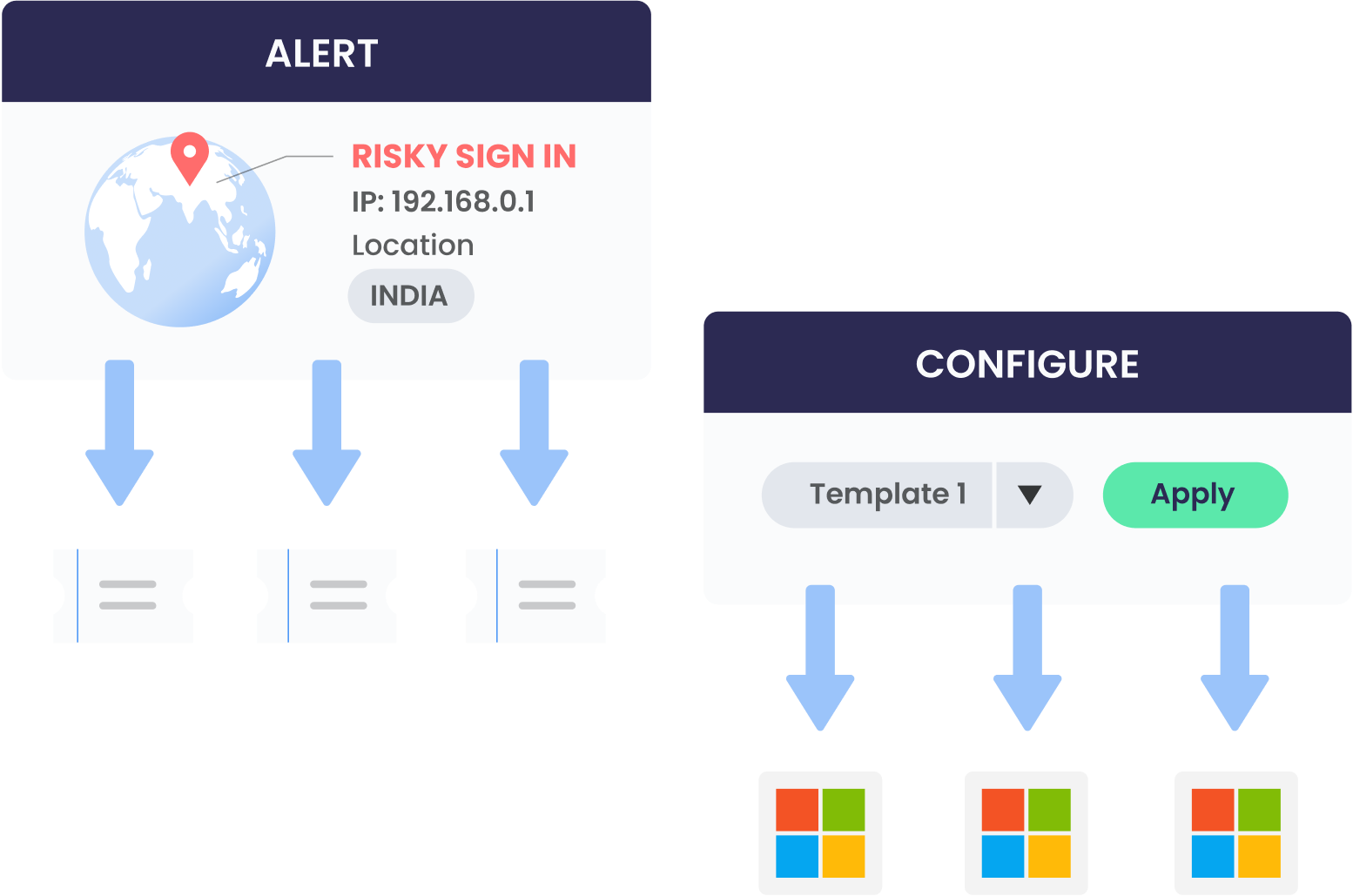
Solution: Use Augmentt’s Policy Manager to templatize and deploy secure MFA policies across all your tenants. You can also monitor for drift and instantly roll back changes with our policy “time machine.”

3

Get Real-Time Alerts for MFA Drift
Problem: A user or admin disables MFA or weakens a policy and you don’t find out until the damage is done.
Solution: Augmentt detects policy drift and notifies you the moment a critical setting changes, so you can take action before it becomes a risk.

4

Deliver Branded, Audit-Ready Reports
Problem: Clients want proof that MFA is in place and enforced.
Solution: Augmentt generates branded, client-facing reports that clearly show MFA adoption, Secure Score impact, and actionable recommendations, perfect for QBRs, audits, or insurance questionnaires.

5

Support Client Conversations and Upsells
Problem: Clients push back on MFA because they don’t understand the risk or value.
Solution: With Augmentt, you can show clients real data, like who isn’t protected, where risk exists, and how their Secure Score improves with better MFA enforcement. It’s a powerful way to drive adoption and close security upsells.

6

Microsoft Is Deprecating Per-User MFA in 2025

By September 2025, Microsoft will fully disable per-user MFA enforcement. That means:
Augmentt gives you the visibility, policy control, and migration tools to stay ahead of this major change without having to manage it all manually.

Augmentt in Action

Here’s what you can do with Augmentt right now:

Make MFA Your Strength, Not a Struggle

You shouldn’t need a PowerShell script or a spreadsheet to enforce something as critical as MFA. With Augmentt, you can: